

轻松标记您的项目,避免生产环境和测试或开发环境之间的混淆
WebLabeler 是一款便捷的工具,适用于每天需要在多个环境(development, testing, staging, and production)之间切换的 Web 开发人员、测试人员、内容管理员等。
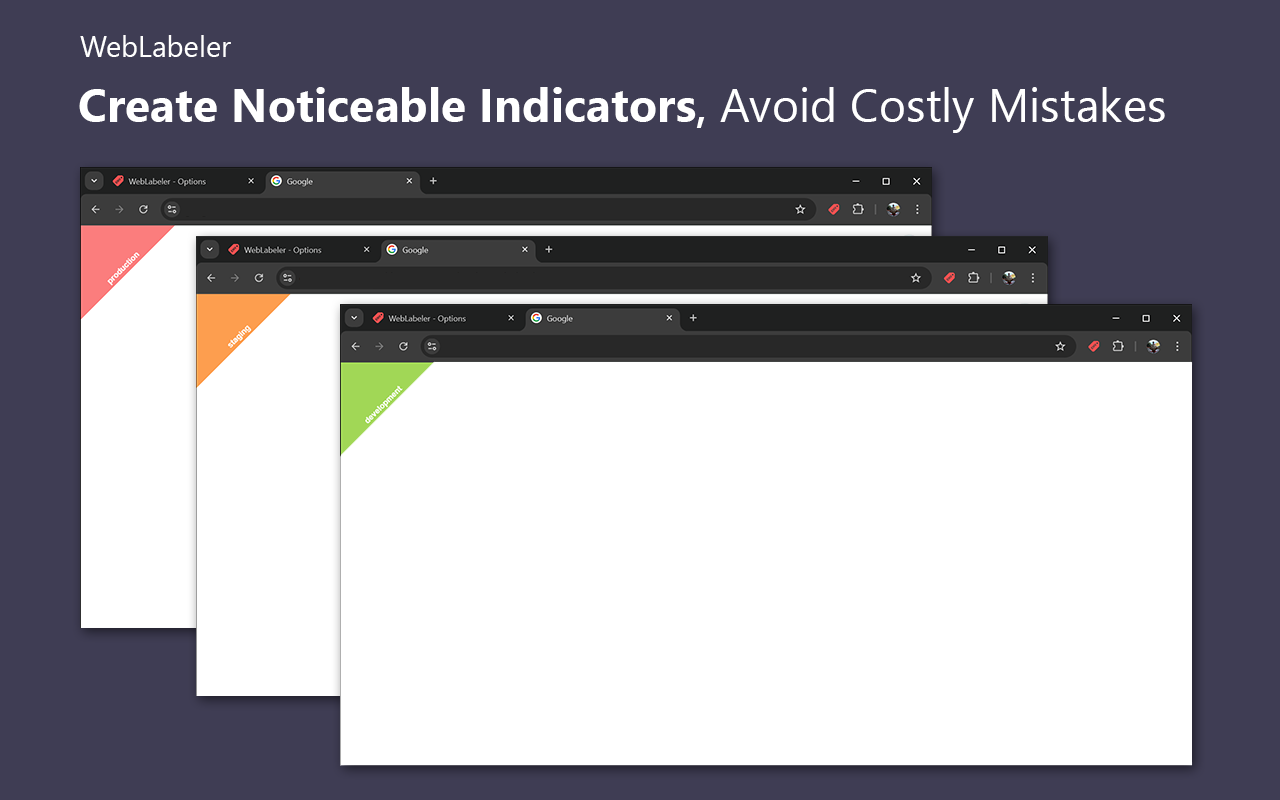
借助这个轻量级扩展,您可以轻松创建醒目的标识,使您的标签页易于区分, 帮助您避免混淆和代价高昂的错误。
使用 WebLabeler 提高生产力并保持井然有序!💪✨
主要功能:
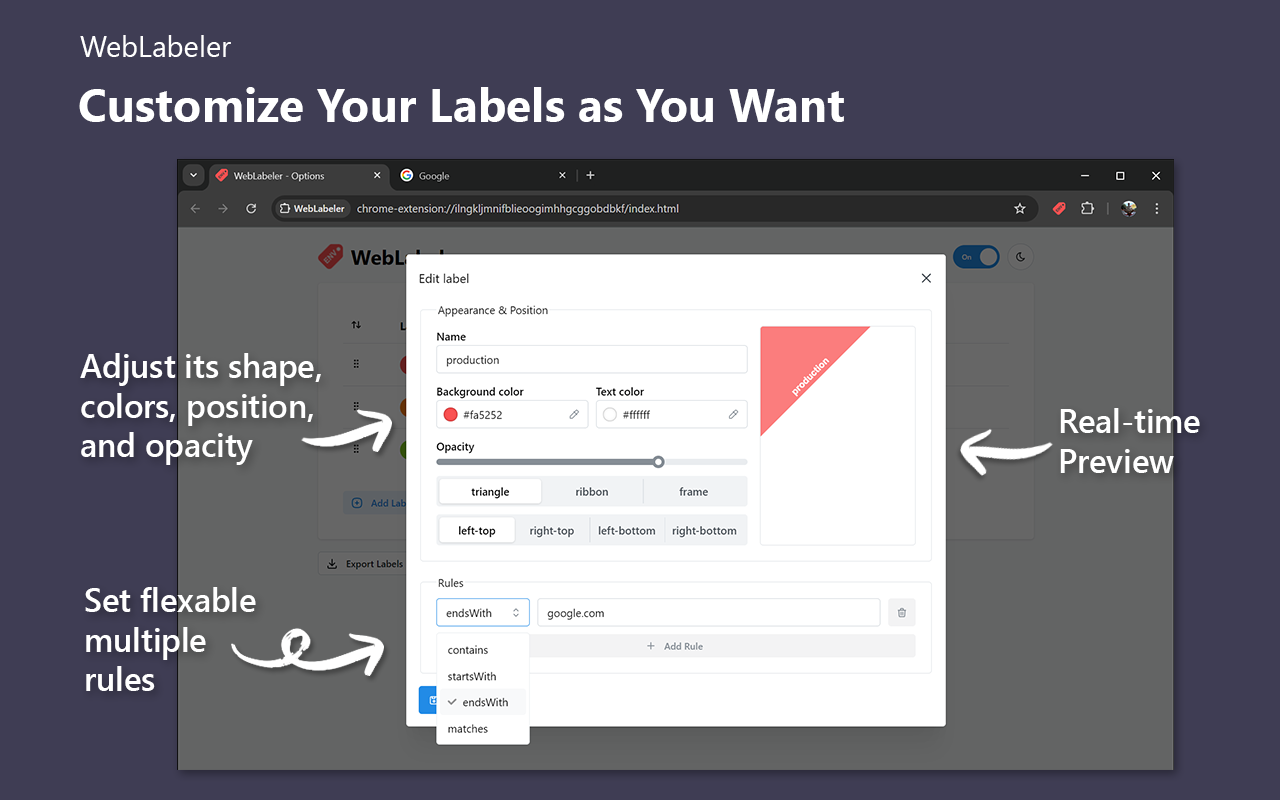
🎨 完全可自定义的标签:通过调整形状(三角形、丝带或 边框)、颜色、位置和不透明度,精确设计您想要的标签。
🔖 网站图标徽章:直接在浏览器标签栏中即时区分项目。
🌐 强大的域名规则:使用灵活的规则类型,根据项目的域名自动应用标签。
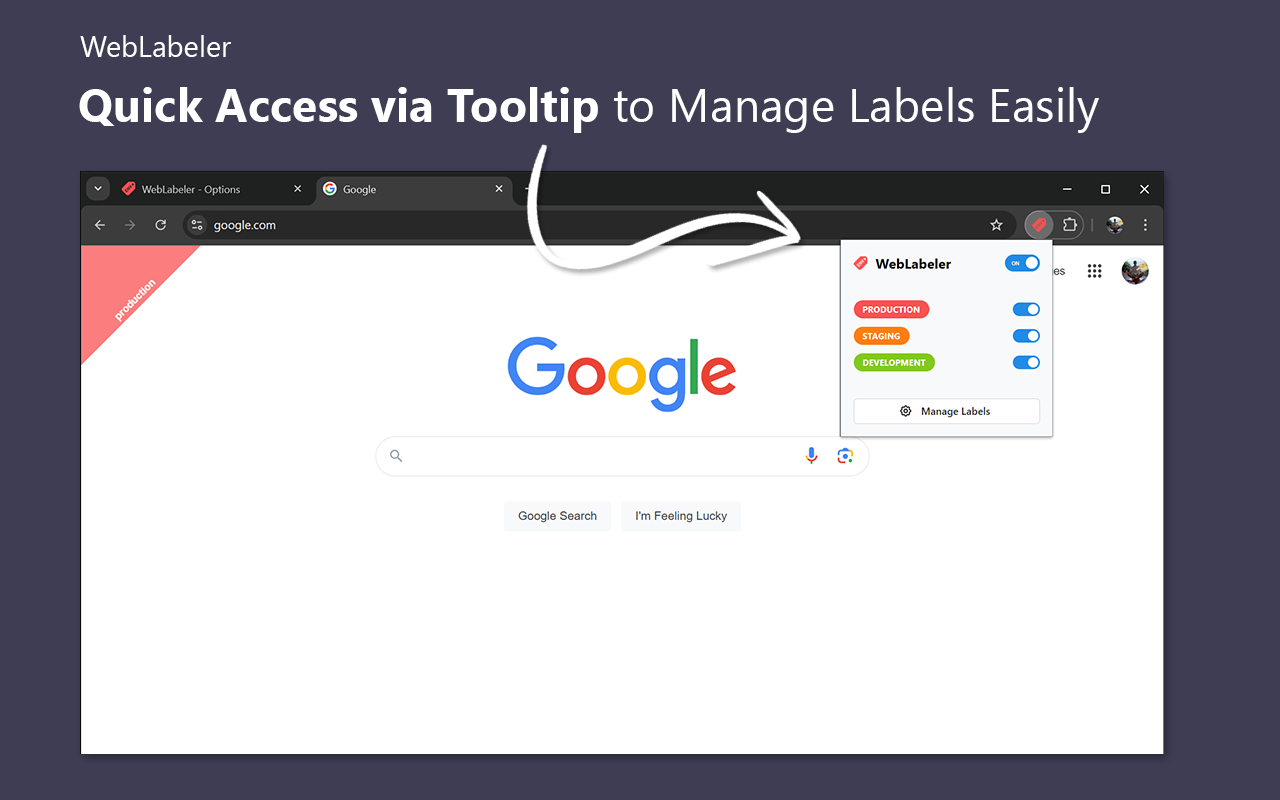
🖱 通过 Chrome 弹出窗口快速访问:轻松开关标签,无需导航到设置。
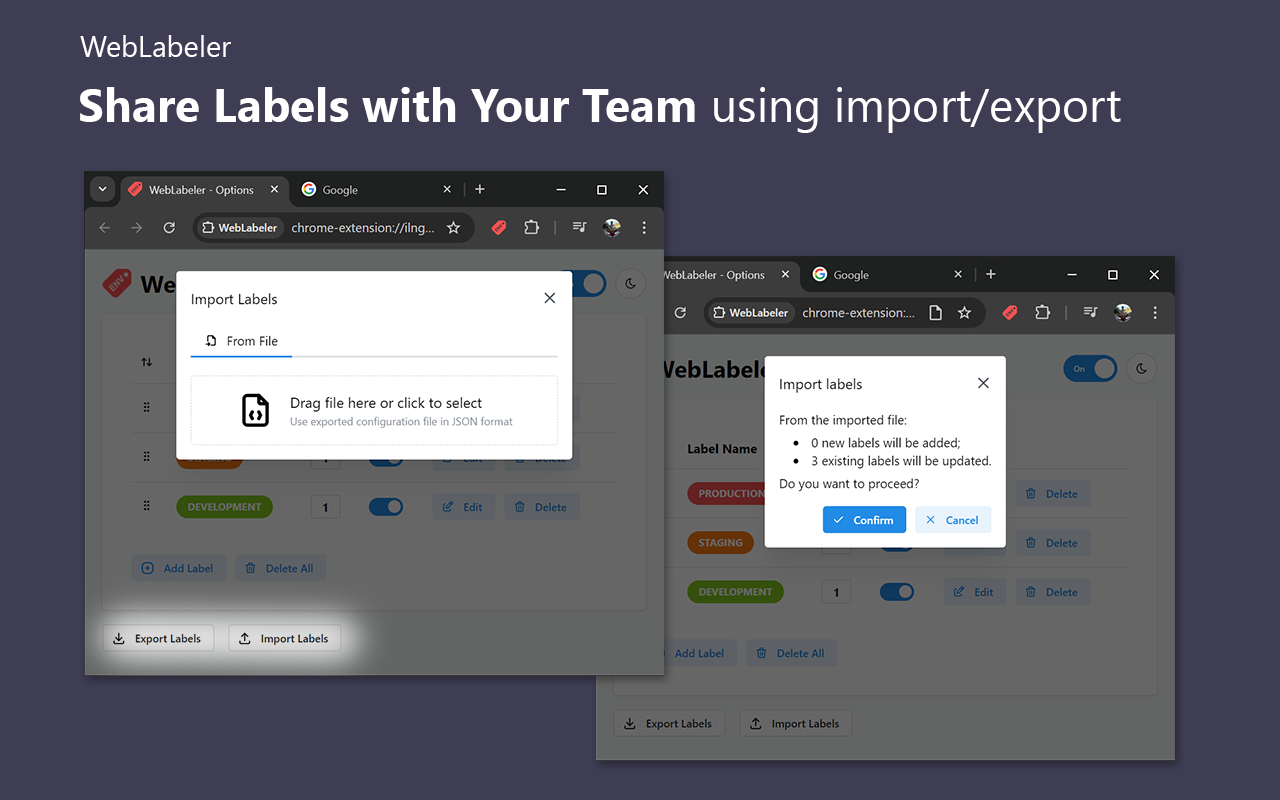
📦 导出/导入配置:与您的团队共享标签设置或在项目之间重复使用。支持 URL 同步 和自动更新。
📥 轻松迁移:从其他扩展迁移数据,立即开始使用 WebLabeler。
🔄 跨设备同步:使用 Google Chrome 的账户同步功能,在所有设备上保持标签配置 同步。
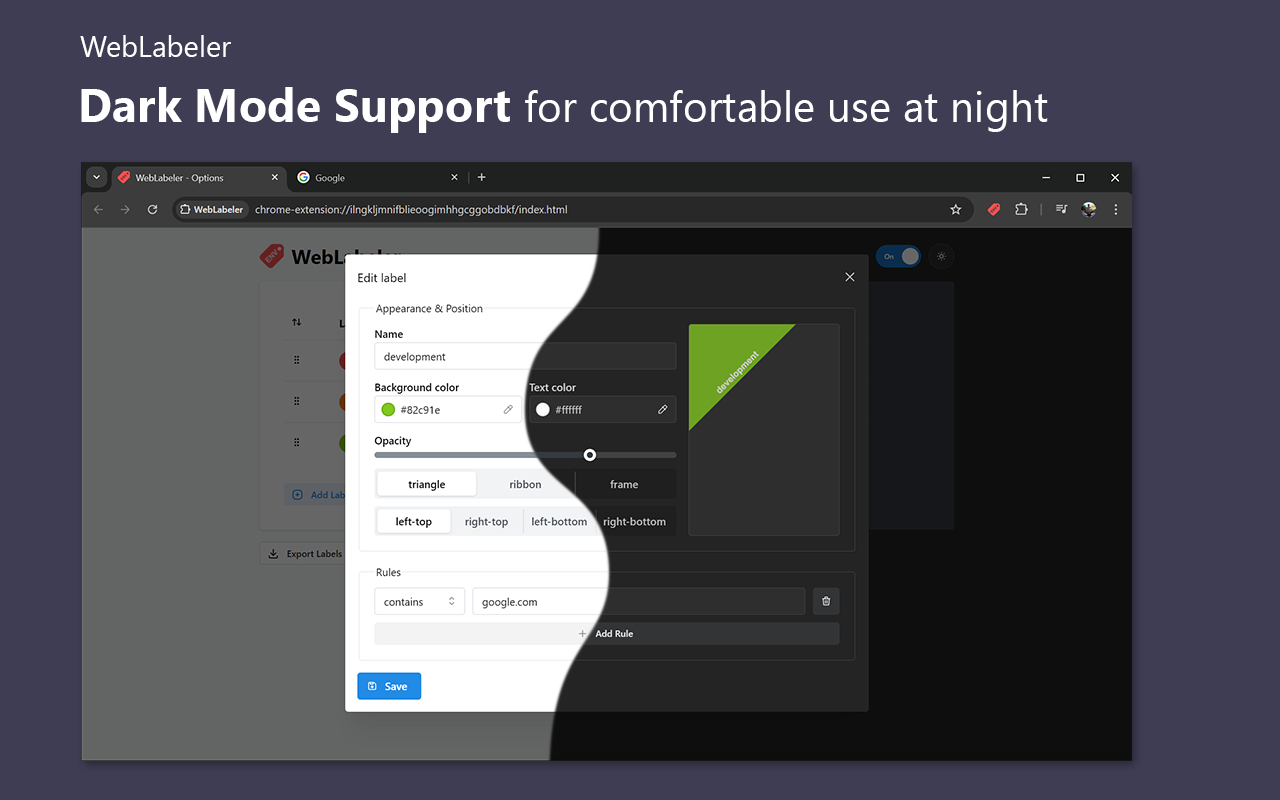
🌙 深色模式支持:享受深色模式选项,在深夜或低光环境中 舒适使用。
=== English ===
WebLabeler is a handy tool for web developers, testers, content managers, and others juggling multiple environments (development, testing, staging, and production) daily.
With this lightweight extension, you can effortlessly create noticeable indicators that make your tabs easily distinguishable, helping you avoid mix-ups and costly mistakes.
Boost your productivity and stay organized with WebLabeler! 💪✨
Key Features:
🎨 Fully Customizable Labels: Design your labels exactly how you want by adjusting their shapes (triangle, ribbon, or frame), colors, positions, and opacity.
🔖 Favicon Badging: Instantly distinguish projects directly in the browser tab bar.
🌐 Powerful Domain Rules: Automatically apply labels to your projects based on their domain names using flexible rule types.
🖱 Quick Access via Chrome Popup: Easily toggle labels on or off without navigating to the settings.
📦 Export/Import Configurations: Share label settings with your team or reuse them across projects. Supports URL sync with automatic updates.
📥 Easy Migration: Migrate your data from other extensions and start using WebLabeler right away.
🔄 Sync Across Devices: Keep your label configurations synchronized across all your devices using Google Chrome’s account sync feature.
🌙 Dark Mode Support: Enjoy a dark mode option for comfortable use during late-night sessions or in low-light environments.