

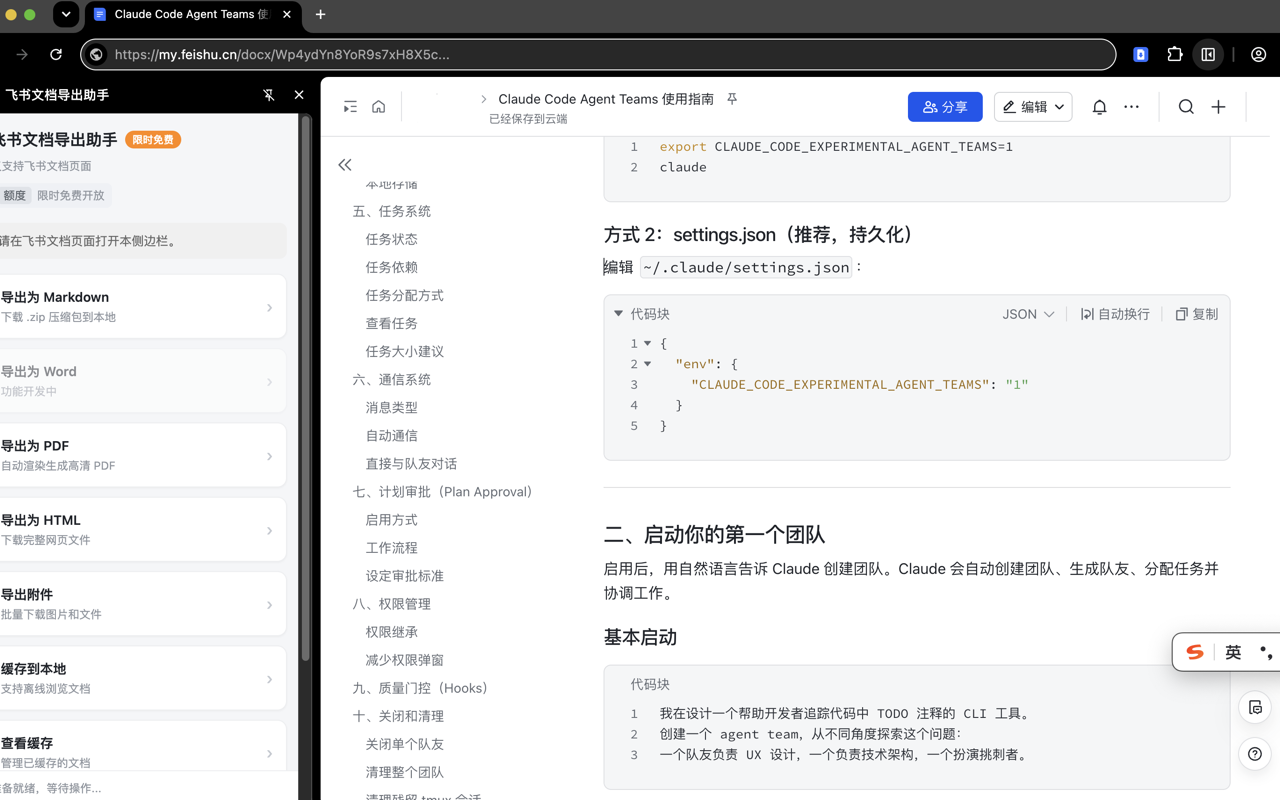
飞书 / Lark 文档一键导出 Markdown / PDF / HTML 并下载附件,把 Markdown 写回文档;任意网页(含小红书笔记)转 Markdown、整页截图、AI 总结、解除复制、复制链接;下载 B 站 / 抖音 / TikTok 视频。
飞书官方的「导出」在很多企业里被管理员关闭,第三方工具又要你去开放平台建应用、申请权限、等审批。
larksnap 换一条路:直接复用你浏览器里已登录的会话和飞书网页自身的接口,在文档页打开侧边栏即可一键导出。
无需后端、无需申请 API 权限,内容不外发。
主要功能:
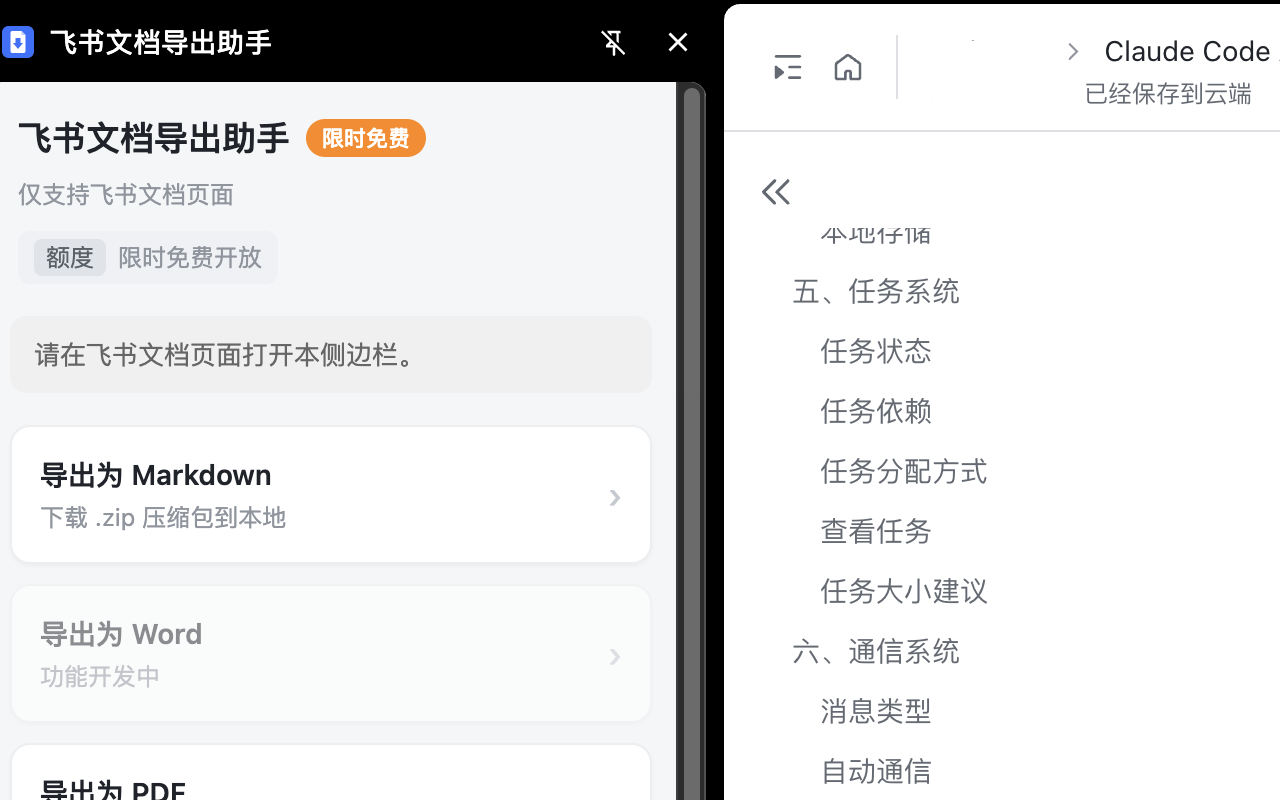
• 一键导出 Markdown(图片打包)、PDF(高清)、HTML(单文件内联)
• 高质量 Markdown:标题、列表、代码块、表格(含合并单元格)、公式、Callout、图片
• 兼容企业私有化 / 自建域名部署,按需授权,可随时撤销
• 批量下载文档中的图片与附件
• 离线缓存文档快照
• 任意网页一键转 Markdown(整页 / 选中内容,侧边栏或右键菜单触发);百度文库、小红书笔记等站点有专属适配
• 整页截图(PNG);对当前网页做 AI 总结(右键菜单 / 侧边栏触发)
• 下载网页视频:B 站 / 抖音 / TikTok(经本机命令行工具下载合并)
• 解除页面复制限制(可逆,关闭即恢复原状)、选中文字自动复制
• 复制标签页链接(Markdown / 标题+URL 等格式)
• 把 Markdown 写回你有编辑权限的飞书文档(追加 / 按块插入 / 替换 / 删除);写入过程会短暂占用系统剪贴板,并在文档标签页顶部短时显示浏览器的调试提示条,任务结束即消失
• (可选)桥接命令行工具,无人值守批量导出;配套技能还能下载 arXiv 论文(PDF + HTML + Markdown)
隐私:文档内容、Cookie、登录态全程留在你本地浏览器,不向任何服务器上报。
唯一的联网上报是匿名使用统计(仅功能使用次数与版本号,不含任何文档内容 / 地址 / 身份信息),可在设置里一键关闭。
请仅在你有权访问、且符合所在组织策略的前提下使用。
In many organizations the official Feishu "Export" is disabled by admins, and third-party tools make you
register an app and wait for scope approval. larksnap takes a different route: it reuses your existing
logged-in session and Feishu's own web APIs. Open the side panel on a doc page and export in one click —
no backend, no API application, nothing leaves your machine.
Features:
• One-click export to Markdown (images packed), PDF (high-res), HTML (single file, inlined)
• High-quality Markdown: headings, lists, code, tables (incl. merged cells), formulas, callouts, images
• Works with enterprise self-hosted / private-deployment domains, authorized on demand and revocable
• Batch-download images and attachments in a doc
• Offline document snapshots
• Any web page → Markdown in one click (full page / selection, via side panel or context menu); dedicated adapters for sites like Baidu Wenku and Xiaohongshu notes
• Full-page screenshot (PNG); AI summary of the current page (context menu / side panel)
• Download web videos from Bilibili, Douyin & TikTok (fetched and merged via a local command-line tool)
• Unlock pages that block copying (fully reversible), auto-copy selected text
• Copy tab links (Markdown / title+URL and more)
• Write Markdown back into Feishu docs you can edit (append / insert / replace / delete blocks); writing briefly uses the system clipboard and shows the browser's "debugging" banner atop the doc tab, which disappears when the job finishes
• (Optional) bridge to command-line tools for unattended batch export; the companion skill can also download arXiv papers (PDF + HTML + Markdown)
Privacy: document content, cookies, and login state stay entirely in your local browser and are never
uploaded to any server. The only network reporting is an anonymous usage metric (feature-use counts and
version number only — no document content / URL / identity), which can be turned off in settings.
Use only for documents you are authorized to access and in line with your organization's policies.