

使用 console.diff(old, new) devtools 函数比较内存中的对象
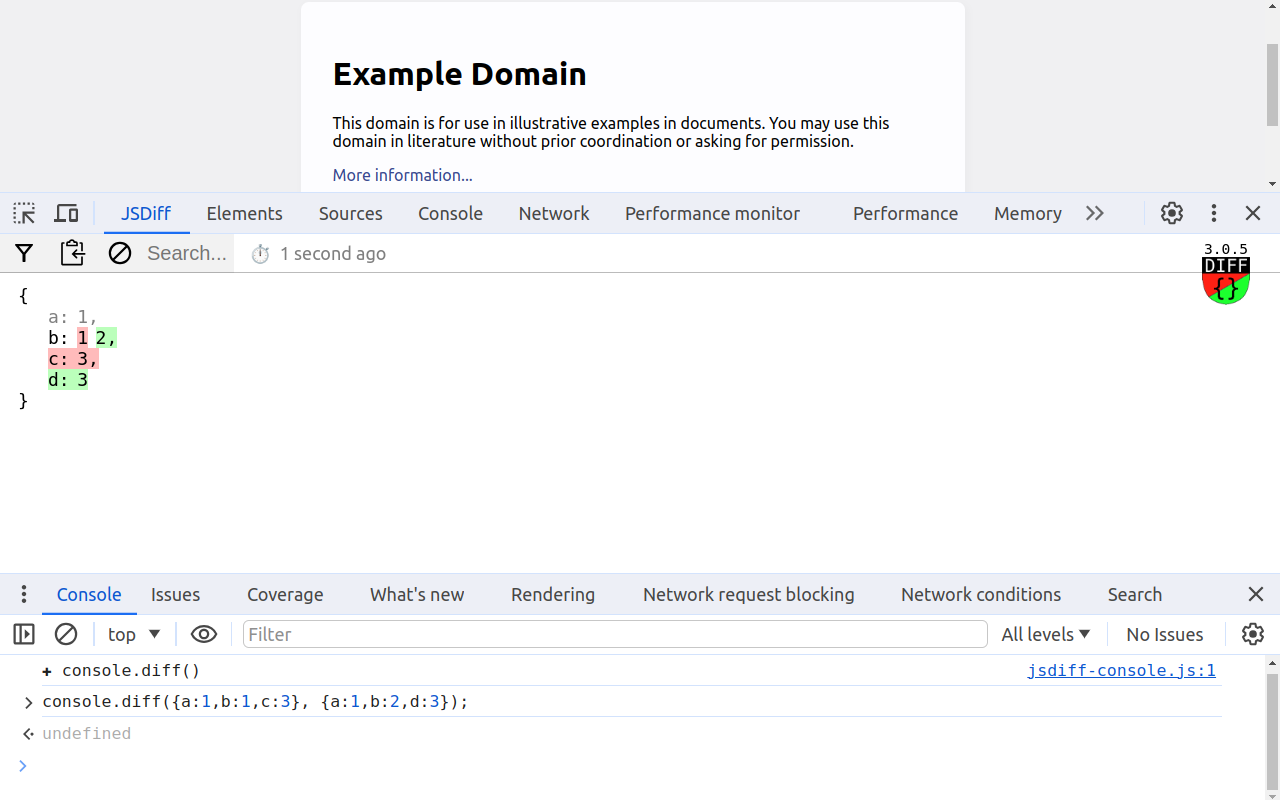
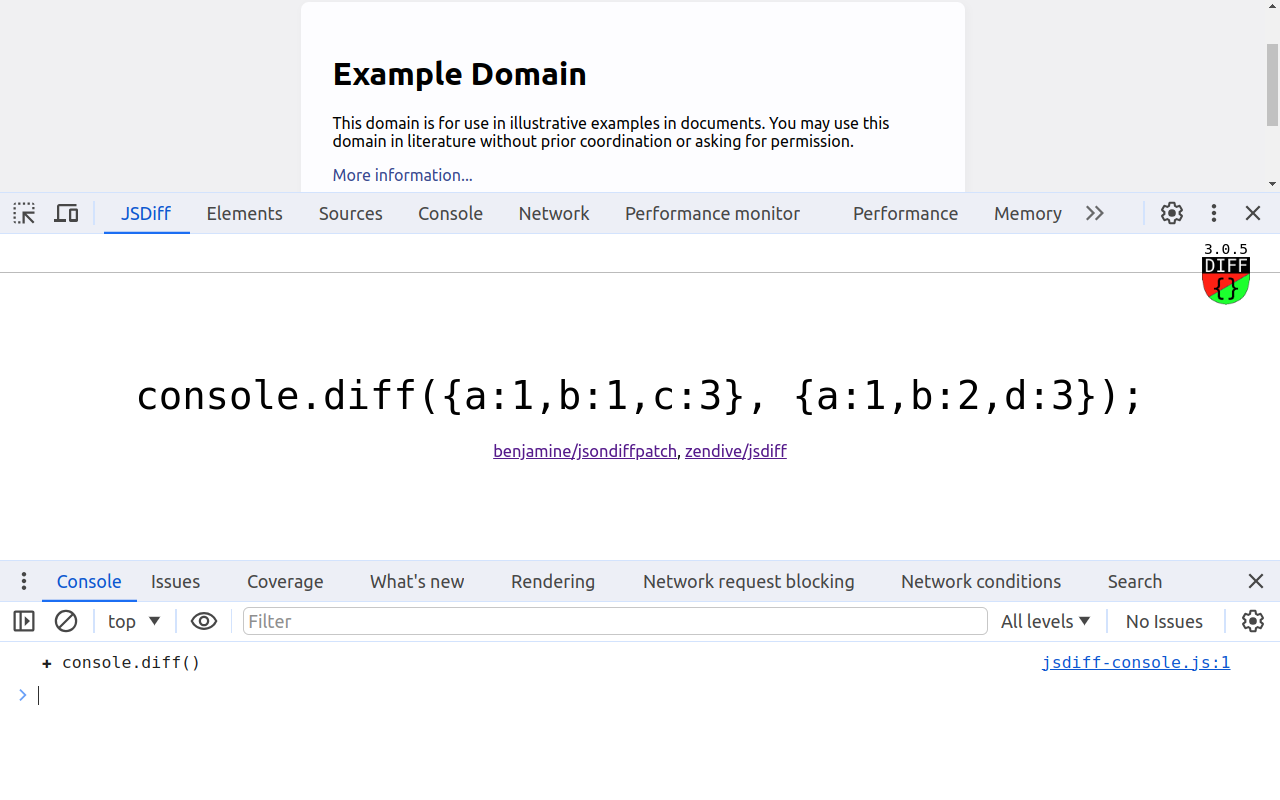
为开发人员提供的扩展,通过合并比较对象的功能来增强控制台 API,并在开发工具中添加一个 JSDiff 选项卡(与 Elements、Network 面板并行)用于查看结果。
动机:
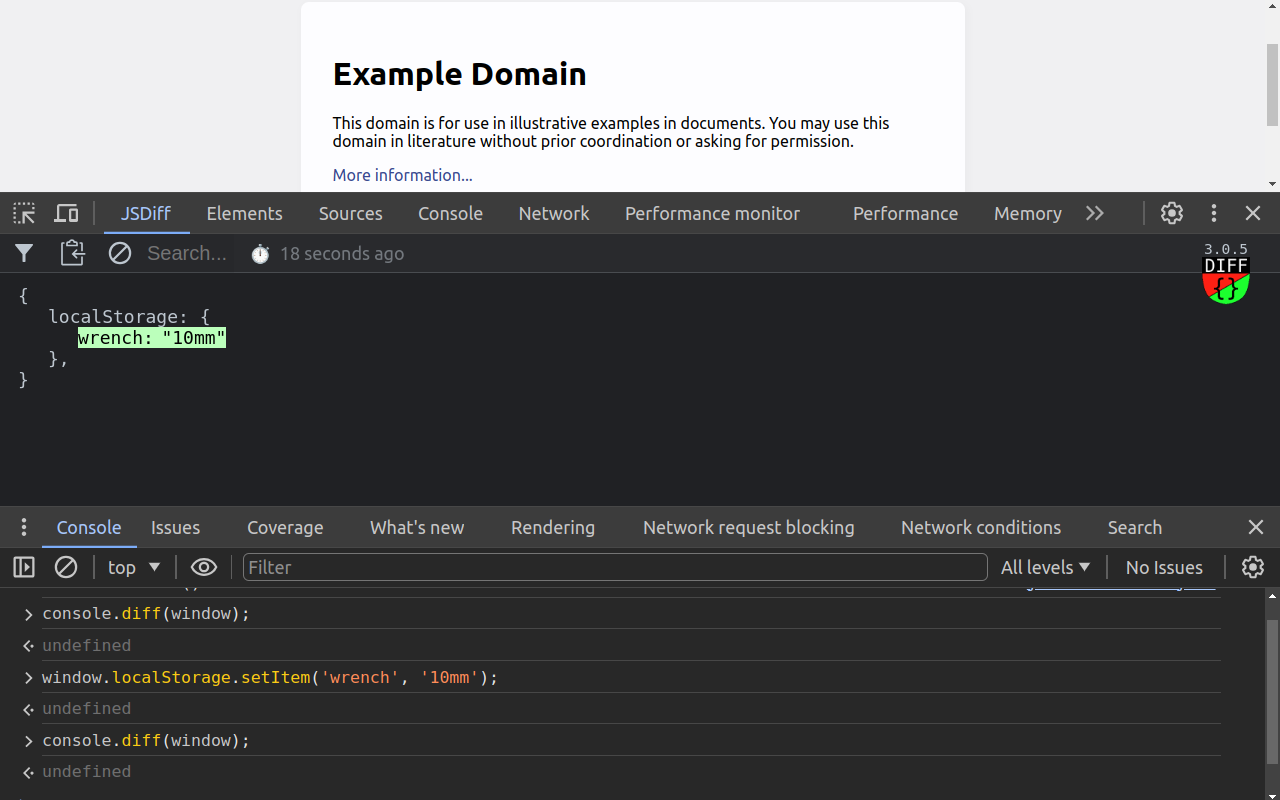
在运行时和/或调试时跟踪对象突变,以发现预期或意外的更改。
注意:使用前、全新安装后, - 确保刷新检查的选项卡或重新启动浏览器。
应用程序编程接口:
// 比较左右参数
控制台.diff(
{a:1,b:1,c:3},
{ a:1,b:2,d:3 }
);
// 使用单个参数的行为与 `console.diffPush` 相同
console.diff(Date.now());
// 移动两侧 - 前一个右侧变为左侧,新值变为右侧
console.diffPush(Date.now());
// 只更新左侧
console.diffLeft(Date.now());
// 只更新右侧
console.diffRight(Date.now());
了解更多信息:https://github.com/zendive/jsdiff