


Whisk AI bulk image generator for Google Flow. Automate Whisk prompts, batch generate & auto download. Nano Banana 2 & Pro.
Auto Whisk extension for bulk AI image generation in Google Whisk and Flow. Batch prompts with Nano Banana 2 & Pro.
🚀 Whisk Automator – Auto Whisk AI Bulk Image Generator
🎨 Automate Google Whisk prompts, batch generate images, and download every result
automatically. Built for creators who need volume without the manual clicking.
Whisk Automator turns Google Whisk into a bulk image generator. Paste a prompt
list, choose Nano Banana 2 or Nano Banana Pro, and let the extension run the
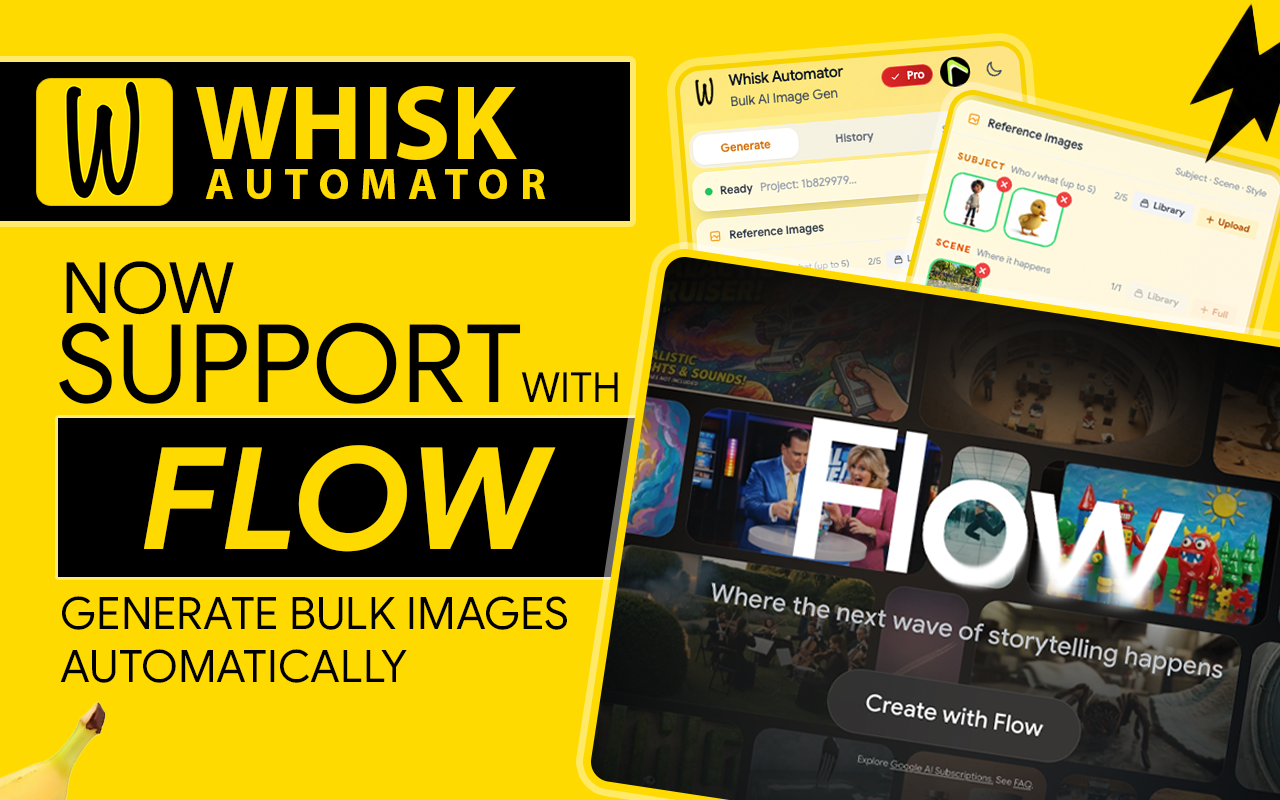
queue and save every image while you work on something else. Also works with
Google Flow.
If one-by-one generation is slowing you down, this auto Whisk extension handles
prompt execution, batch processing, image-to-image workflows, queue management,
and downloads.
⭐ Why Whisk Automator
Whisk AI is powerful, but repetitive workflows don't scale. Generate hundreds of
images per session, manage large prompt libraries, and automate the parts that
waste your time.
🛠️ Core Features
🖼️ Whisk AI Batch Processing
Paste or import a prompt list and generate images in bulk — no single-prompt limit.
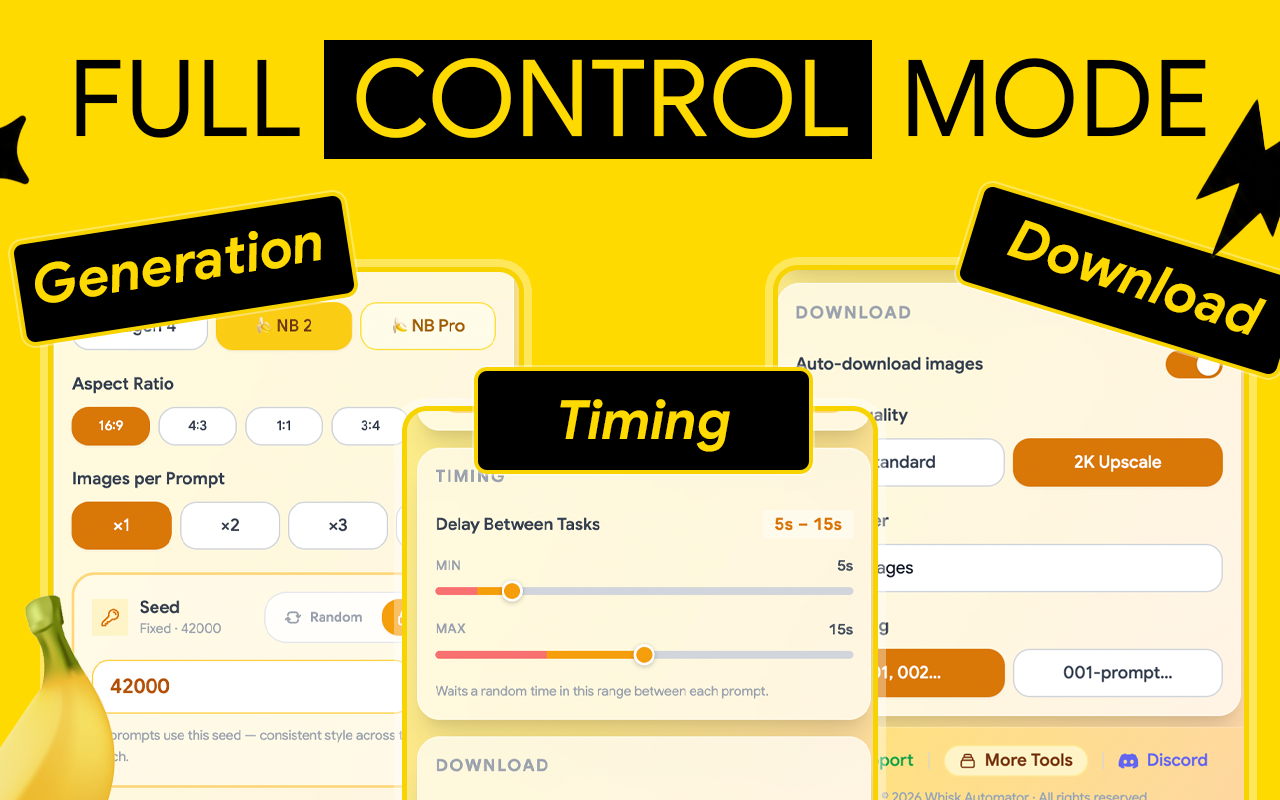
📥 Google Whisk Auto Downloader
Every generated image saves automatically. No right-click, no manual export.
🍌 Nano Banana 2 & Nano Banana Pro
Choose your model per batch for the quality and speed you need.
🌊 Google Flow Support
The same bulk automation workflow inside Flow.
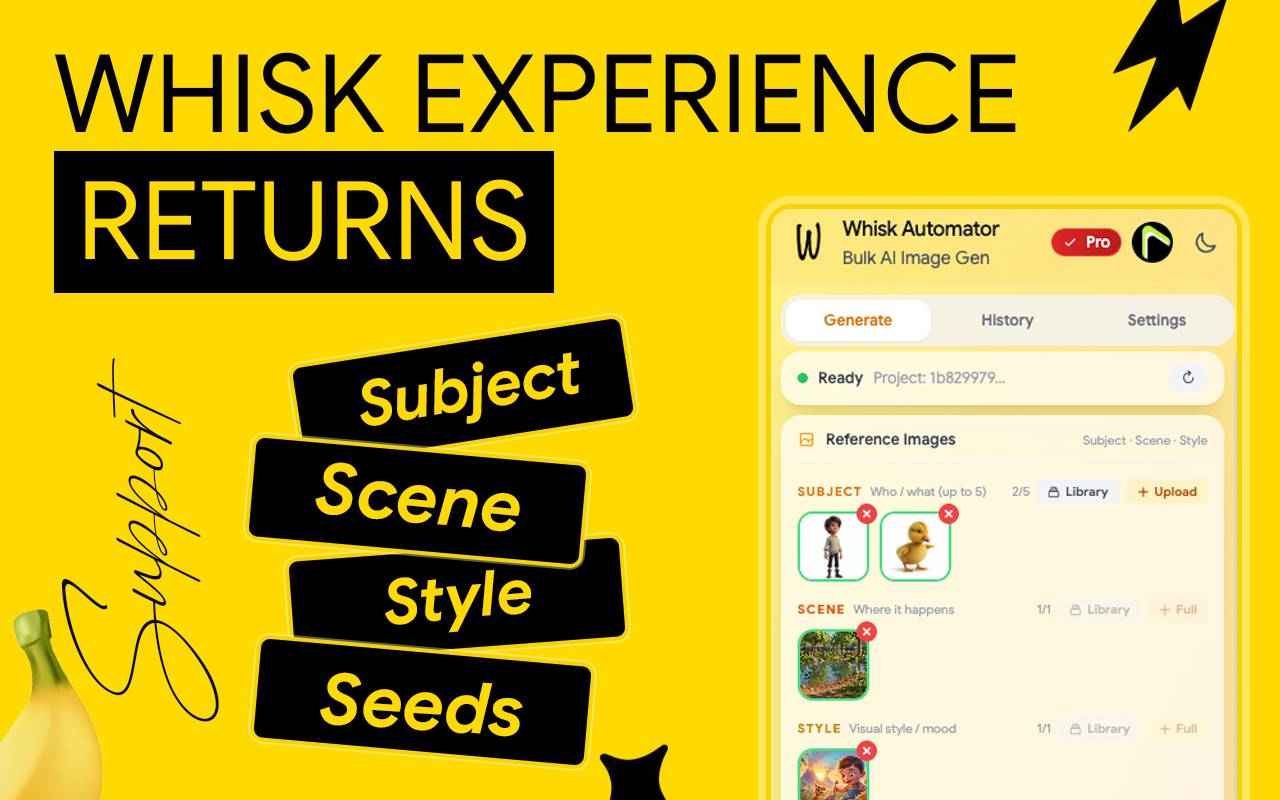
🖌️ Image-to-Image Support
Use reference images for style consistency and creative control.
📚 Bulk Library Downloader
Export your entire image library in one action.
🧠 AI Prompt Generator
Build optimized prompts automatically and improve output with less effort.
📋 Prompt Queue System
Queue hundreds of prompts and process them sequentially with timing controls.
⚙️ Advanced Prompt Manager
Edit, reorder, pause, resume, and reuse prompts.
⚡ One-Click Automation
Start a batch and let the extension handle generation, downloads, and the queue.
🎯 Who It's For
🏆 Stock Contributors — build assets for Adobe Stock, Shutterstock, Freepik, Envato
🎨 Designers — concepts, illustrations, and variations at speed
📱 Social Creators — thumbnails, posts, banners, marketing visuals
📊 Marketing Teams — test multiple creative variations fast
🛒 E-commerce — product mockups, promo graphics, lifestyle imagery
❓ Frequently Asked Questions
🔑 Do I need a Google Whisk account?
Yes. The extension works with your active Google Whisk session.
📈 How do I generate images in bulk?
Open the extension, paste your prompt list, pick your model, and start the batch.
🍌 Which models are supported?
Nano Banana 2 and Nano Banana Pro.
🌊 Does it work with Google Flow?
Yes. Bulk generation and auto-download work in Flow as well as Whisk.
🖌️ Does it support reference images?
Yes. Upload images to guide and refine your results.
💼 Can I sell the images?
Yes, where the destination marketplace permits AI-generated content.
💳 Is it free?
Basic features are free. Advanced automation may require a subscription.
📥 Get Started
1️⃣ Install from the Chrome Web Store
2️⃣ Open Google Whisk or Flow
3️⃣ Add or generate your prompts
4️⃣ Start the batch and scale your output
🛑 Stop generating one image at a time.
🚀 Start batch generating with Whisk Automator.