
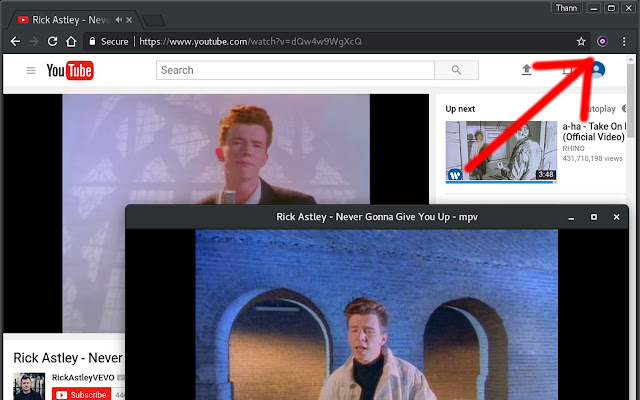
将 youtube 等页面中的视频发送到外部 MPV 播放器
Chrome 扩展和 python 服务器,允许您使用 MPV 在网页中播放视频。
右键单击链接和页面以在 MPV 中播放视频。 (或 Ctrl+空格键)
由于 youtube-dl,几乎可以在每个网站上使用。
需要多个依赖项,请参阅网站了解更多信息。
1.安装MPV
2. 安装 Python 2 或 3 和 pip
3. 安装这个 chrome 扩展
4. 安装服务器:`pip install git+git://github.com/thann/play-with-mpv --user`
5. 运行服务器:从终端运行 `play-with-mpv` 或使用 linux 快捷方式
6.(可选)在 Linux 上自动启动:`cp ~/.local/share/applications/thann.play-with-mpv.desktop ~/.config/autostart/`