


save prompt on midjourney for eagle.
在使用 Eagle 在 www.midjourney.com 上收集图片时添加图片注释提示
注意:此扩展仅适用于 Eagle 4.0
本插件需要安装 Eagle 4.0及 Eagle for Chrome 插件才能正常工作
获取 Eagle for Chrome [https://chromewebstore.google.com/detail/eagle-for-chrome/lieogkinebikhdchceieedcigeafdkid?hl=zh-CN&utm_source=ext_sidebar]
获取 Eagle 4.0 [https://cn.eagle.cool/blog/post/4.0-beta]
使用方法
1. 将图片拖到 Eagle 的浮动窗口
2. 使用批量收集功能保存图片,仅能将 prompt 保存到标题
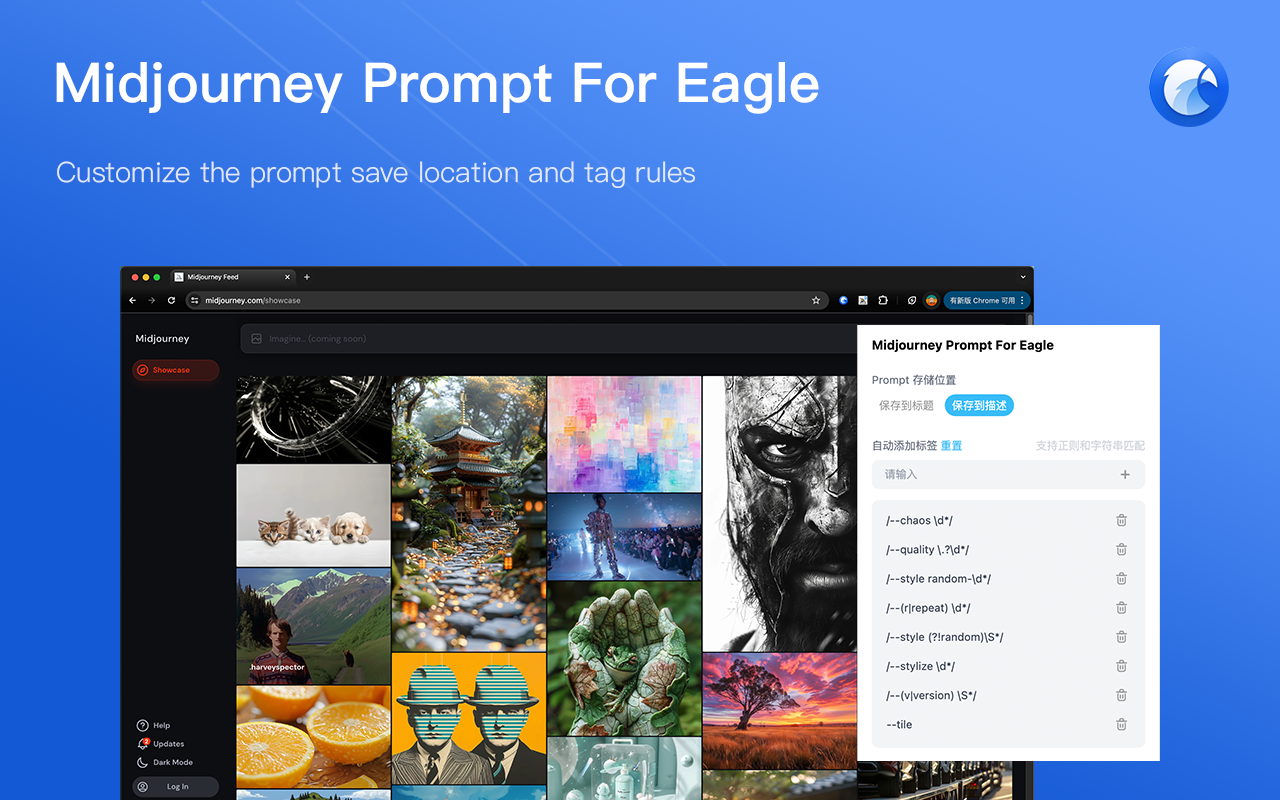
3. 可以设置 prompt 保存的位置,及标签生成规则。规则支持正则,请以“/regexp/”格式书写。
-----------------------------------------------------------------------------------------------------------------
Add prompt on image annotation when using Eagle to collect images on www.midjourney.com
Node:This extensions only used for Eagle 4.0
This plugin requires Eagle 4.0 and the Eagle for Chrome plugin to work properly!
Get Eagle for Chrome [https://chromewebstore.google.com/detail/eagle-for-chrome/lieogkinebikhdchceieedcigeafdkid?hl=zh-CN&utm_source= ext_sidebar]
Get Eagle 4.0 [https://cn.eagle.cool/blog/post/4.0-beta]
Usage
1. Drag the image to Eagle's floating window
2. Use batch collection function to save images, only the prompt can be saved to the title.
3. You can set the location where the prompt is saved, and the rules for label generation. The rules are written in "/regexp/" format.
ChangeLog
- 0.1.1 (Aug 19, 2024)
- fix: save location does not match configuration
- fix: invalid in showcase detail